




OK Lens Fitting with a QuikVue Adaptor
We would like to share the application of QuikVue working with smartphone to do OK lens fitting.
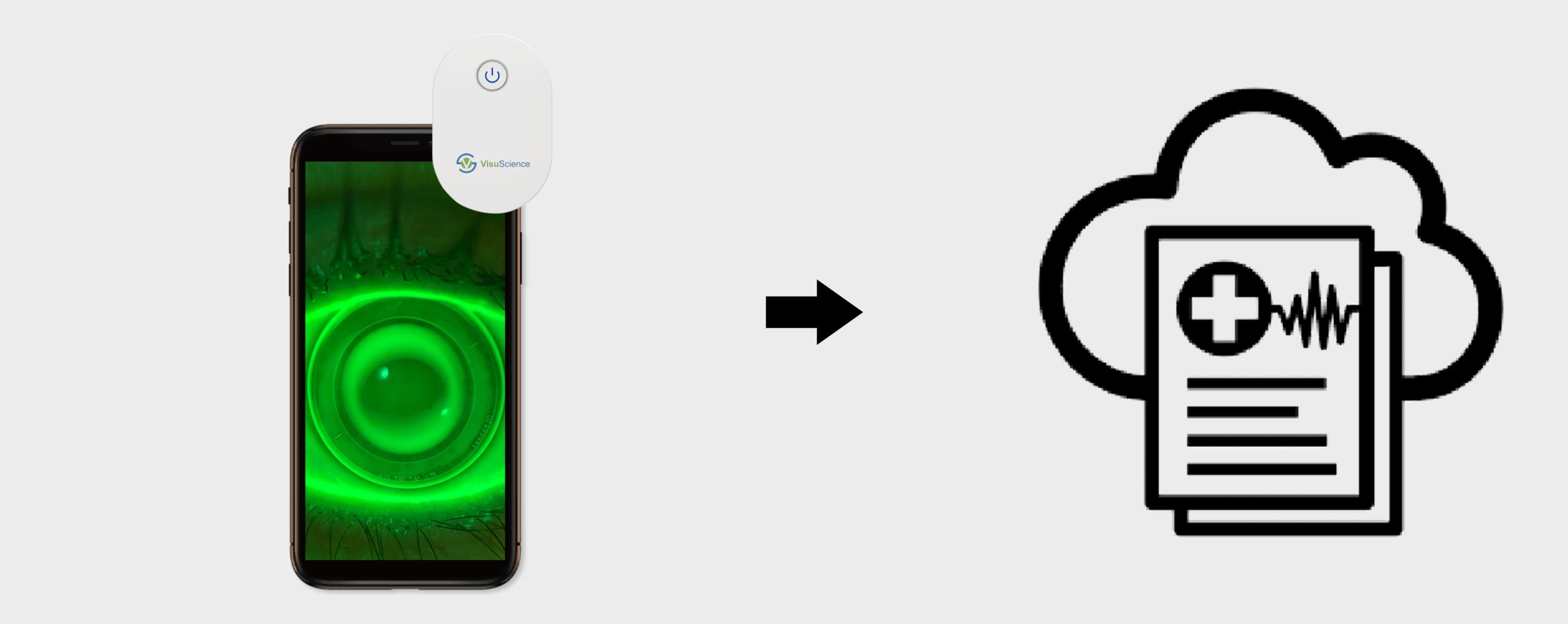
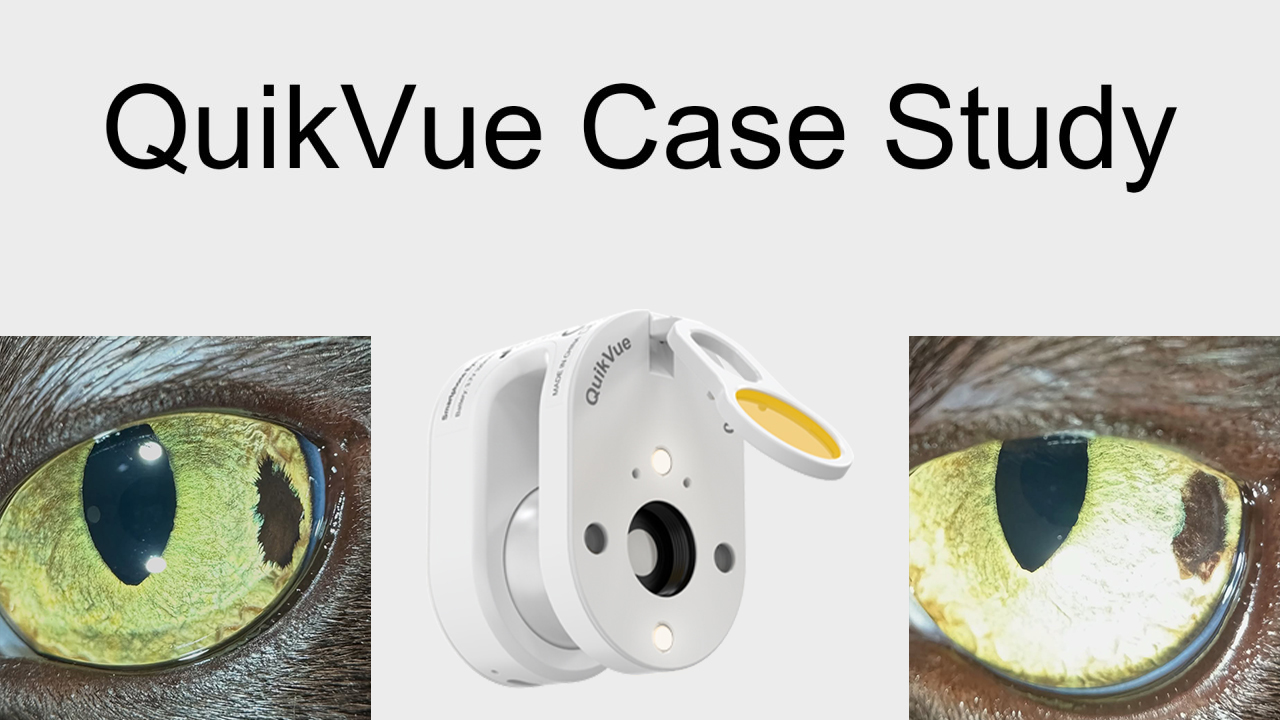
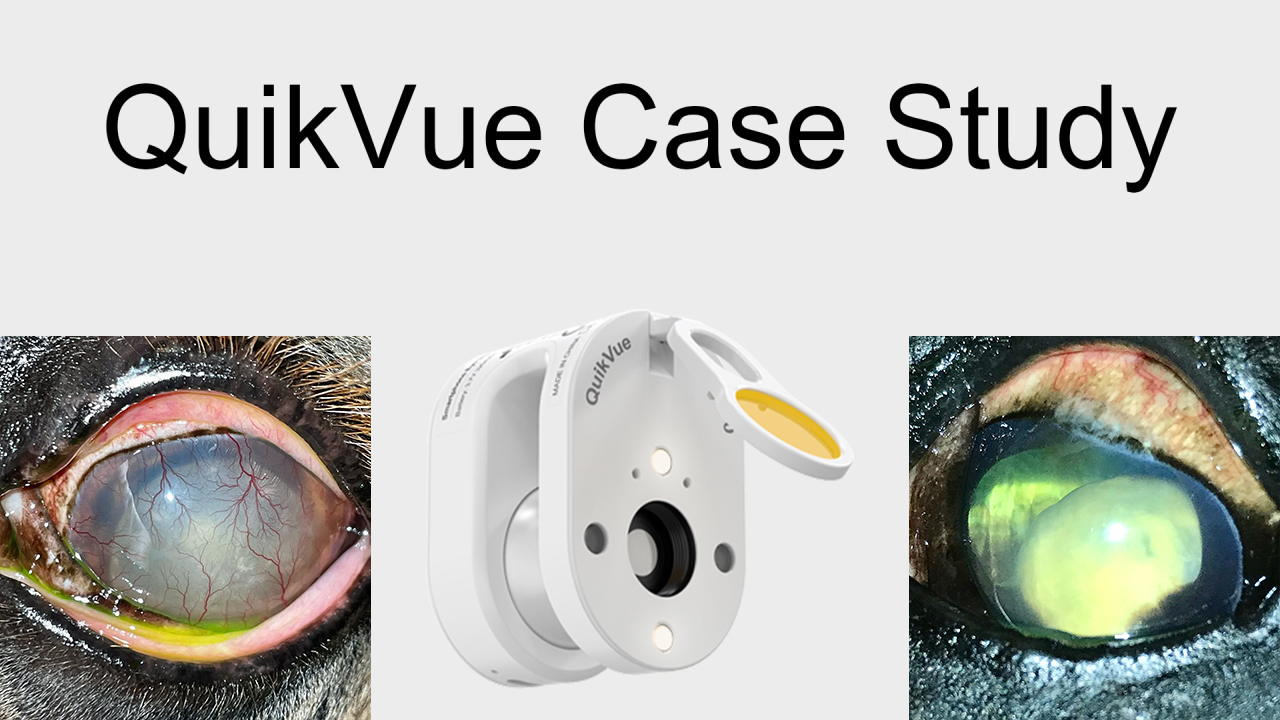
QuikVue is an adaptor that can be attached to either smartphone or tablet to capture anterior segment images.
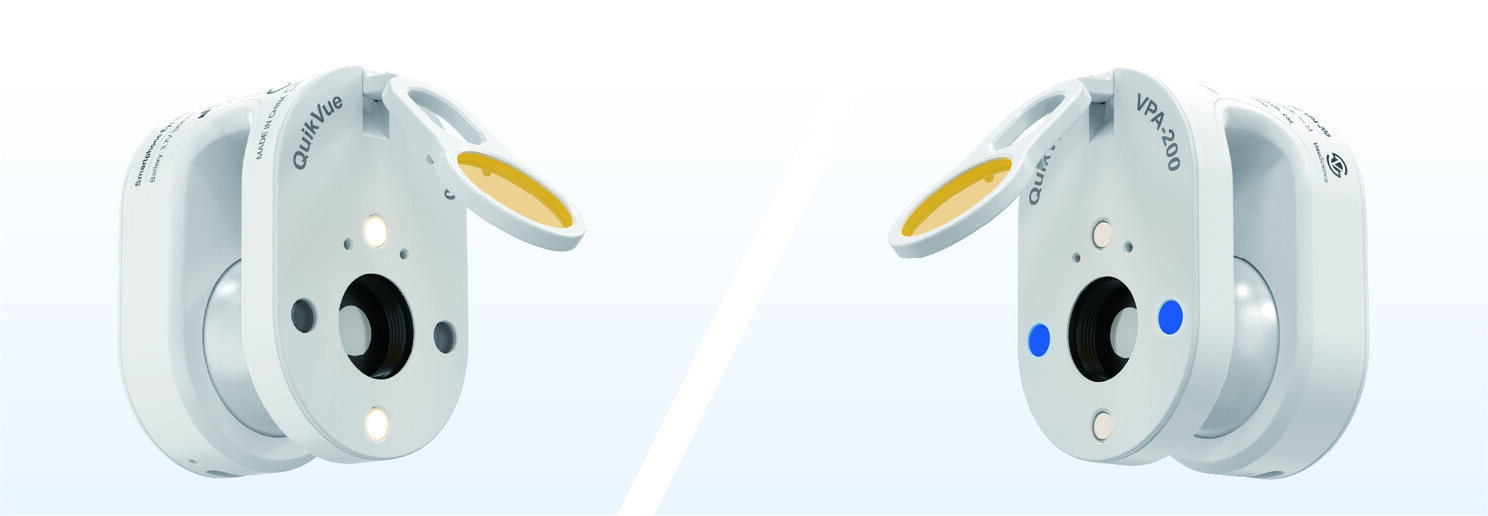
Step 1
Attach QuikVue to a smartphone. Slide in QuikVue adaptor onto a smartphoen and align QuiKVue marco lens with smartphone's main camera lens.
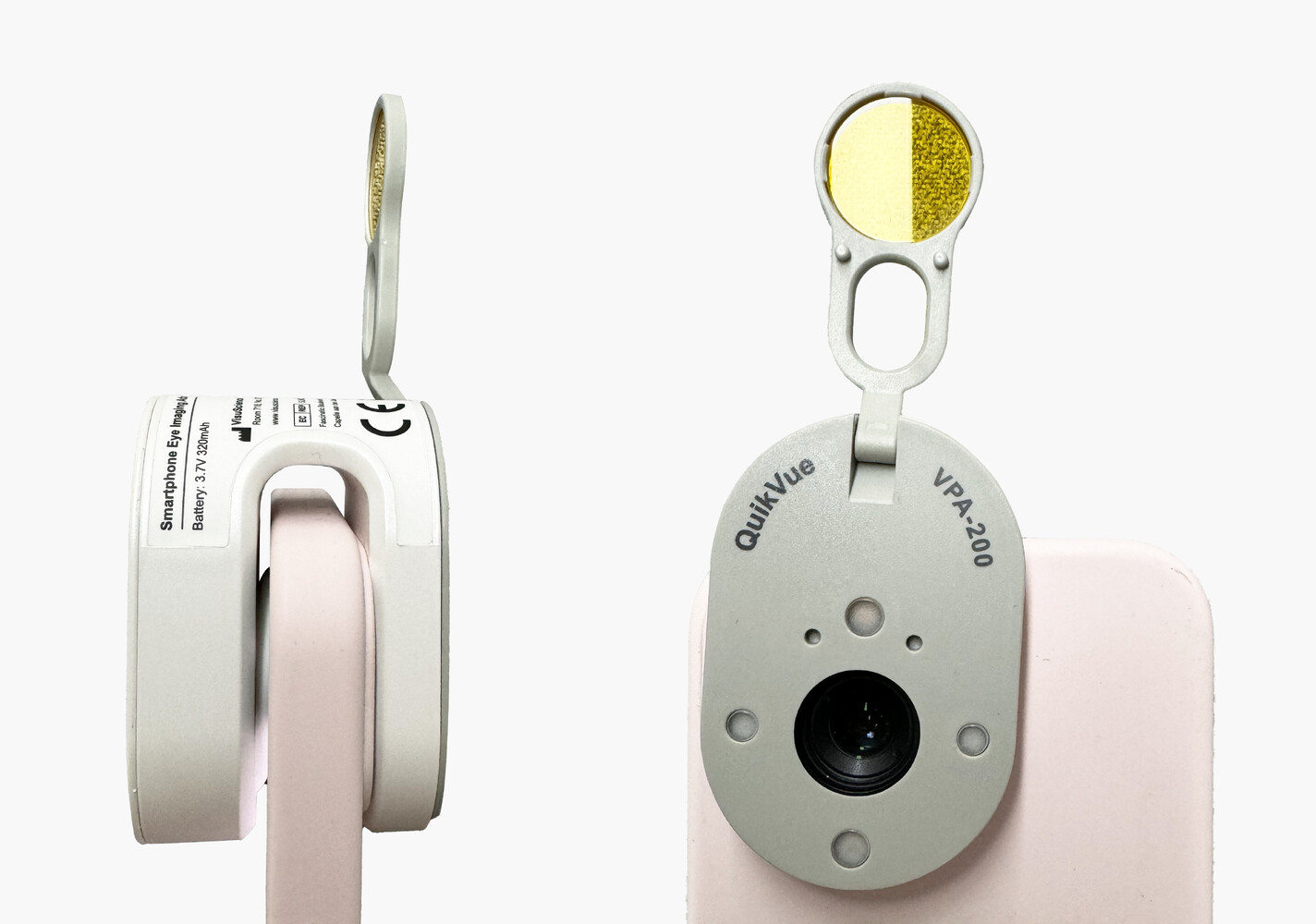
Step 2
Press button on the back side 3 times to turn on the cobalt LED illumination and flip down the yellow filter.
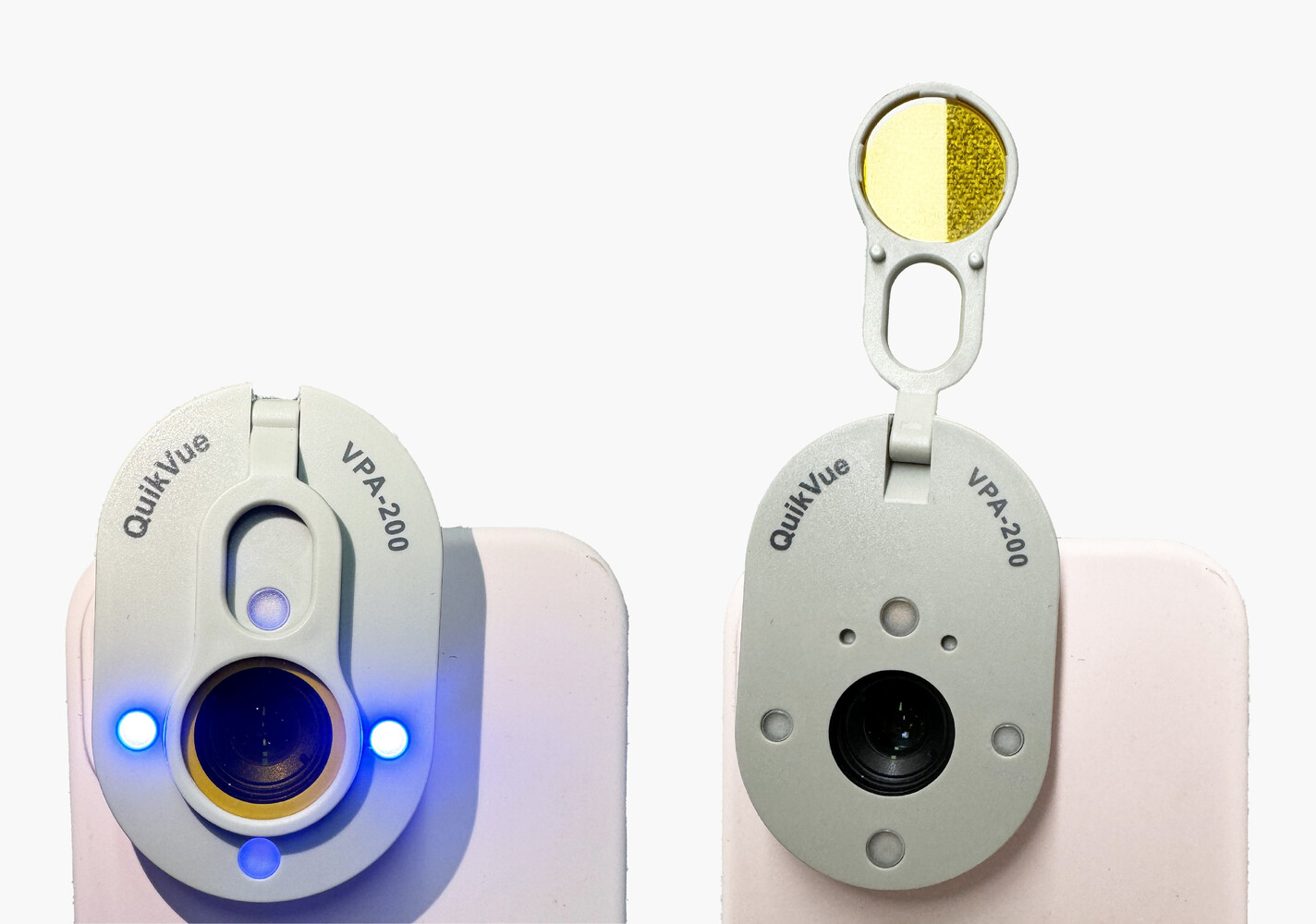
Step 3
Using fingers touching patient's forehead and move the lens to patient's eye at a working distance of 1.5 cm.
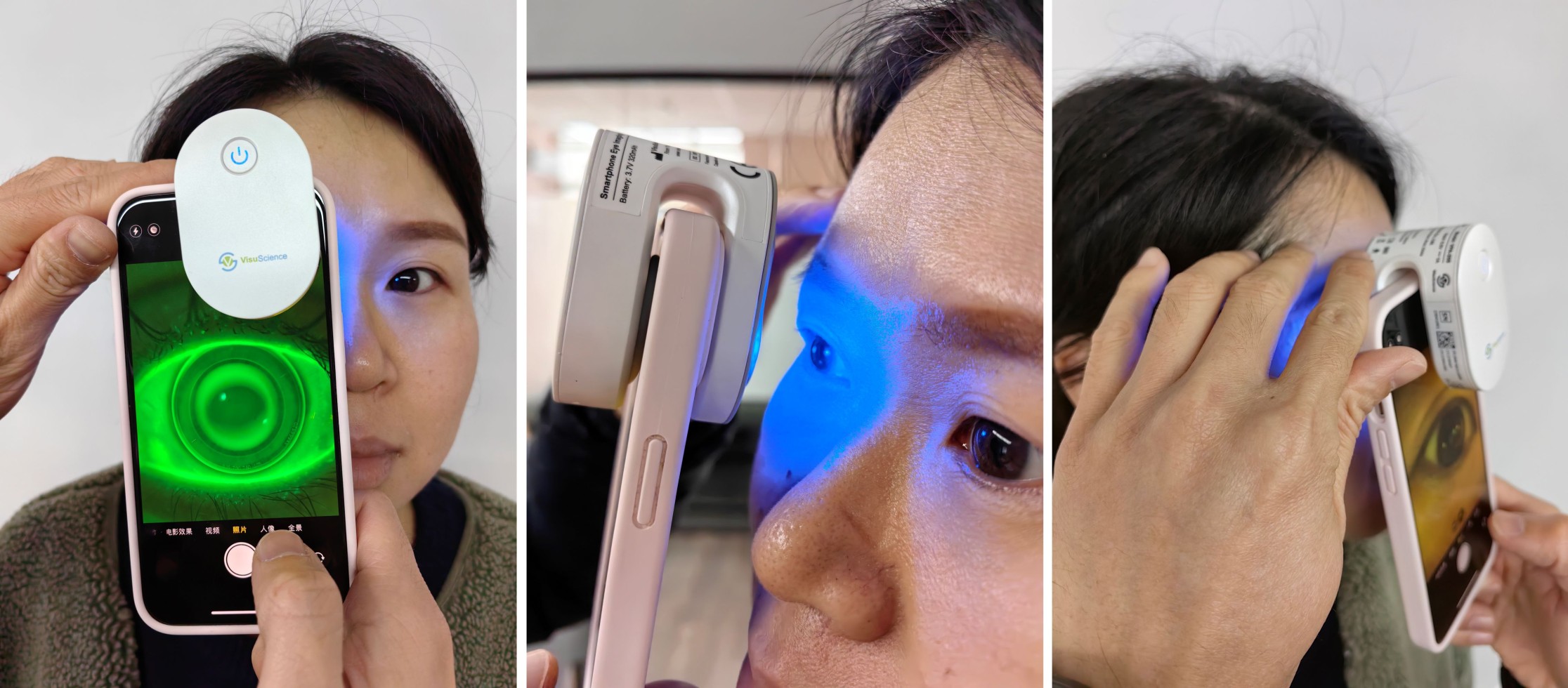
Step 4
Show patient lens fitting image and video to tell if the lens is suitable for them.
Step 5
Upload image to EMR/EHR in patient's record for future comparison.